I spent three hours last night staring at a spreadsheet of actuation forces and spring weights, and honestly? Most of it is just expensive noise. If you listen to the big-name manufacturers, they’ll try to convince you that a $2 premium on a “boutique” linear is going to fundamentally change your K/D ratio. It won’t. I’ve seen people drop two hundred bucks on custom builds only to realize they actually hate the tactile bump they spent weeks researching. Finding the best mechanical keyboard switches isn’t about finding the most expensive plastic stem on the market; it’s about finding the specific click or glide that doesn’t make your fingers feel like they’re fighting a losing battle after a six-hour session.
I’m not here to rewrite a marketing brochure or tell you that every switch is “life-changing.” I’ve personally swapped enough switches to know that what feels snappy in a video is often mushy in reality. In this guide, I’m stripping away the fluff to give you the actual data on bottom-out force, scratchiness, and sound profiles. I’ll tell you which ones are worth your hard-earned cash and which ones are just overpriced hype designed to eat your budget.
Table of Contents
Cherry Mx vs Custom Switches Cutting Through the Marketing
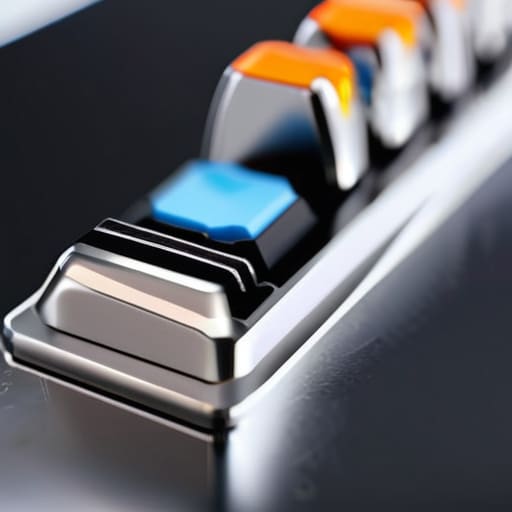
Look, I get it. You see the Cherry MX logo on a box and assume it’s the gold standard because it’s been around since the nineties. But if you’re looking for the absolute best experience, the cherry mx vs custom switches debate isn’t even a contest anymore. Cherry is reliable—it’s the “safe” choice that won’t die on you—but it’s also incredibly inconsistent. I’ve had batches of MX Reds where the spring tension felt like they were fighting me, while others felt mushy right out of the gate. Custom switches from brands like Gateron, Wuque, or JWK are built with tighter tolerances and better materials that actually respect your fingertips.
When you move away from the big-name legacy brands, you’re paying for precision. You start noticing the difference in mechanical keyboard switch feel and sound immediately; custom switches tend to have a much cleaner “thock” or “clack” without that annoying scratchiness you get from standard pre-builts. If you’re building a board to last, don’t just settle for what’s on the shelf at a big-box retailer. Invest in something that actually feels like it was engineered, not just mass-produced.
Why Actuation Force Matters More Than the Box Claims
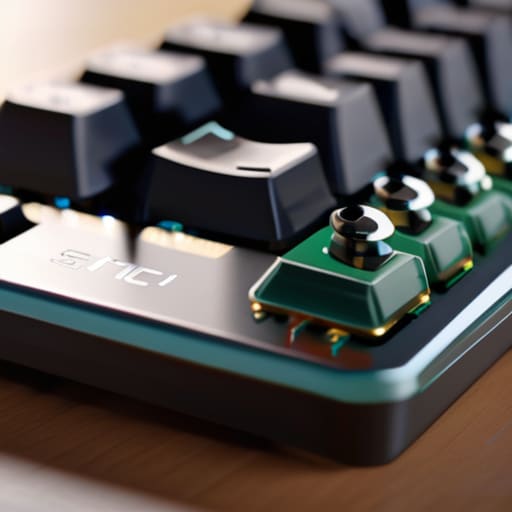
Marketing sheets love to throw a single number at you—like “55g actuation”—and act like that’s the whole story. It isn’t. What they don’t tell you is the force curve. A switch might claim a standard weight, but if that resistance is front-loaded, you’re going to find yourself accidentally fat-fingering characters during a high-stakes match. I’ve sat there with a digital scale measuring mechanical keyboard switch actuation force on everything from budget clones to high-end boutiques, and the discrepancy is wild. A linear switch that feels “smooth” on paper can feel scratchy and heavy in practice if the spring tension isn’t consistent.
Then there’s the fatigue factor. If you’re playing an esports title for four hours straight, that extra 10g of resistance per keypress isn’t just a preference; it’s a recipe for hand cramps. I always tell people to look past the peak force and focus on the tactile bump profile. If you’re chasing that perfect mechanical keyboard switch feel and sound, you need to know if the weight is helping you stabilize your inputs or just making your fingers work harder than they need to.
Stop Buying the Hype: 5 Things to Check Before You Click 'Add to Cart'
- Ignore the “gaming” label on the box. A switch is just a spring and a stem; whether it says it’s for pro esports or a typing enthusiast doesn’t change the physics. Look for the actual actuation force in grams, not the flashy logo on the packaging.
- Test the scratchiness, not just the sound. A switch can sound “thocky” in a YouTube video with a $500 mic, but if it feels like you’re pressing through sand when you actually get it on your desk, you’re going to hate it within a week.
- Factor in the “Pre-travel” vs “Total Travel.” If you’re a competitive player, you want that short actuation distance so you can hit your inputs faster, but if the total travel is too shallow, you’re going to bottom out like a maniac and fatigue your fingers.
- Don’t forget the stabilizer tax. If you buy high-end, boutique switches but pair them with a cheap, rattling keyboard, you’ve wasted your money. The switch is only as good as the housing and the stabilizers it’s sitting in.
- Check the mounting style. Before you go all-in on a specific switch, make sure it’s actually compatible with your board’s PCB. I’ve seen too many people buy premium tactile switches only to realize they’re trying to force them into a board that only takes low-profile stuff.
The Bottom Line on Your Next Keyset
Stop buying based on the brand name; a high-end custom switch with a 45g actuation force will outperform a “gaming” branded switch every time if the housing stability is actually there.
Don’t let the “clicky” marketing fool you—if you’re playing competitive shooters, you want a tactile or linear switch with a predictable reset point, not a loud distraction that causes misinputs.
Calculate your cost-per-use; a mid-range switch that doesn’t scratch or lose its spring tension after six months of heavy typing is a better investment than a premium switch that feels mushy by year one.
Stop Buying the Hype
“I don’t care if the box says ‘gaming grade’ or ‘pro-spec’—if a switch feels mushy at 55 grams of actuation, it’s a bad switch. Stop reading the marketing copy and start looking at the actual weight and travel distance, because that’s the only thing that determines if you’re actually hitting your keybinds or just bottoming out in frustration.”
Denny Kowalczyk
Bottom Line: Don't Buy the Hype
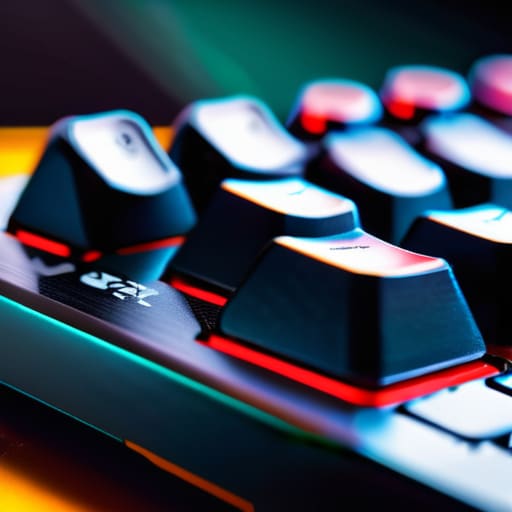
At the end of the day, stop looking at the “gaming” labels on the box and start looking at the actual force curves and travel distances. We’ve seen that a “linear” switch isn’t just a linear switch—the friction levels vary wildly between a cheap mass-produced clone and a high-end custom option. If you’re playing high-APM titles like StarCraft or just trying to avoid accidental keystrokes in a frantic Valorant clutch, that actuation force is the only metric that actually dictates your performance. Whether you go with the reliable, standardized feel of Cherry MX or spend the extra cash to lube up a set of boutique tactiles, make sure you’re choosing based on how the switch actually feels under your fingers after four hours of continuous play, not just how it looks in a product render.
Building the perfect setup isn’t about having the most expensive peripherals on your desk; it’s about finding the hardware that disappears into your workflow. Your keyboard should be an extension of your hands, not a distraction caused by mushy stabilizers or switches that feel like you’re pressing through wet sand. Take the time to experiment, maybe even buy a cheap hot-swap board just to test different profiles before you commit your hard-earned money. Once you find that perfect tactile bump or that buttery smooth linear glide, everything else in your setup will finally start to make sense.
Frequently Asked Questions
If I'm switching from a membrane keyboard, am I going to hate the loud clicking of tactile or clicky switches?
If you’re coming from a mushy membrane, the sudden “clack” is going to hit you like a physical weight. Honestly? You might hate it at first. Clicky switches (like Browns or Blues) have that distinct, sharp auditory feedback that can feel obnoxious in a quiet room or on a Discord call. If you want that mechanical feel without the headache, look for tactile switches with a lower decibel profile. They give you the bump without the noise.
Do I actually need to buy expensive lube and stabilizers to make these switches feel "premium," or is that just more hype?
Look, if you’re chasing that buttery, “thocky” sound you see in 30-second TikTok clips, yeah, you’ll need Krytox 205g0 and decent stabilizers. But don’t let the hobbyists gaslight you into thinking a stock switch is “broken.” If you’re just gaming, a quick brush of dielectric grease on your stabs fixes 90% of the rattle. Spend your money on better keycaps or a faster polling rate instead. Lube is a luxury, not a requirement for performance.
How much is the weight of the spring actually going to affect my fatigue during a long session of competitive play?
It’s the difference between a marathon and a sprint. If you’re playing ranked for six hours on 65g+ heavy linear switches, your finger tendons are going to feel it. I’ve tested heavy spring setups against lighter ones; the fatigue isn’t just a feeling, it’s a drop in reaction time. If you’re hitting a wall at hour three because your hands feel heavy, the spring weight is your culprit. Aim for the sweet spot—usually around 45g to 55g—for long-term consistency.
