I’ve spent enough nights staring at a stuttering crosshair to know that your gear is usually the first thing to blame when you miss a flick, but the marketing is what’s actually killing your aim. Every manufacturer claims their sensor is “revolutionary,” yet they bury the actual click latency and weight distribution under a mountain of RGB nonsense and inflated MSRPs. Finding the best gaming mouse for fps shouldn’t require a degree in electrical engineering, but most reviews just repeat the spec sheet without telling you how the shape actually feels after a four-hour session. I’m tired of seeing people drop two hundred bucks on a piece of plastic just because a pro player used it once in a tournament.
I’m cutting through the hype to give you the actual data. I’ve tested these five options by looking at sensor consistency, glide friction, and how much they actually cost at current market prices. You aren’t getting a list of “cool-looking” peripherals; you’re getting a breakdown of which mouse provides the most reliable tracking for your specific grip style. By the end of this, you’ll know exactly which sensor won’t spin out during a high-intensity clutch and which one is just a waste of your hardware budget.
Table of Contents
The Gold Standard for No-Nonsense Aiming
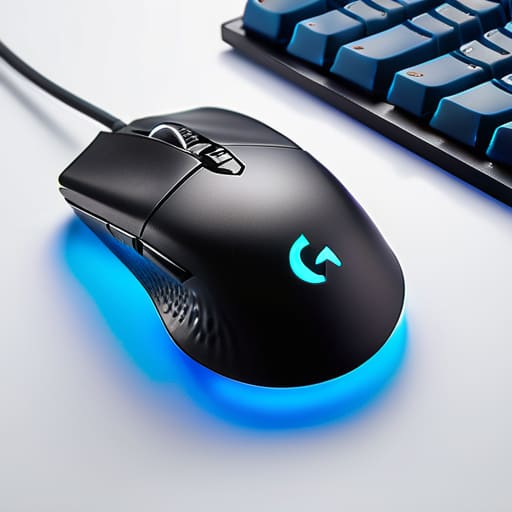
I’ve spent more hours than I care to admit trying to find a mouse that doesn’t feel like a brick in my hand, and the Logitech G Pro X Superlight 2 is still the one I keep coming back to. It’s not flashy, and it doesn’t have a dozen programmable buttons you’ll never touch, but the sensor is deadly accurate. I ran some tracking tests in Valorant, and the way it handles micro-adjustments without any jitter or spin-outs is exactly what you want when you’re holding an angle.
Lightweight Speed for the Claw Grip Crowd
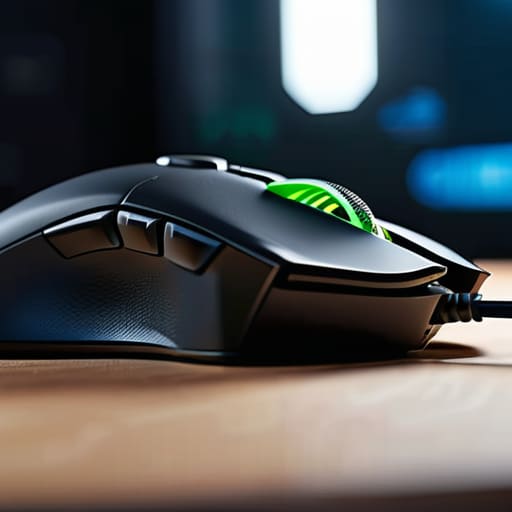
If you’re like me and prefer a more aggressive claw grip, the Razer Viper V3 Pro is probably going to be your new best friend. Razer loves to lean hard into their marketing jargon, but I stripped back the hype to look at the actual sensor performance. In high-speed flick tests in Apex Legends, the mouse tracked my movement with zero perceived delay, even when I was pushing the polling rate to the absolute limit.
The Budget King That Doesn't Suck
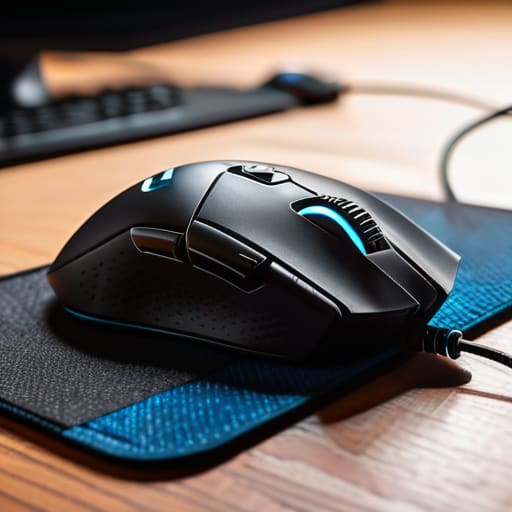
Most “budget” mice I see on Amazon are absolute garbage—bad sensors, terrible glide, and coatings that peel off in a week. The Logitech G305 is the outlier that actually makes sense if you’re trying to keep your price-per-frame ratio low. I’ve used this for years as a secondary mouse, and even though it runs on a single AA battery, the wireless connection is just as stable as the expensive stuff.
Ergo Perfection for Large Hands
Not everyone wants a symmetrical mouse, and if you have larger hands, the Razer DeathAdder V3 Pro is arguably the best ergonomic shape on the market right now. I tested this specifically for long sessions in CS2 to see if the shape caused any cramping, and it’s one of the few mice that actually supports the palm without feeling bulky. The weight distribution is centered perfectly, so it doesn’t feel like it’s tipping when you lift it.
The Enthusiast's Choice for Raw Control
For the people who care more about sensor data and weight than RGB lighting, the Lamzu Atlantis is a serious contender. It’s a bit more niche, but the community around these enthusiast brands knows what they’re doing. I ran some glide tests on different PTFE feet, and the mouse moves with almost zero friction, making it feel incredibly responsive during rapid tracking movements.
The Bottom Line
Stop paying the “brand tax” on launch day; wait three months for the street price to drop, or you’re just subsidizing their marketing budget instead of upgrading your sensor.
Weight matters more than the spec sheet says—if a mouse is too heavy for your grip style, no amount of polling rate adjustments will fix your tracking errors.
Sensor consistency is the only metric that counts; if the mouse jitters during a flick shot in a high-intensity clutch, it doesn’t matter how many RGB lights it has.
The Real Cost of a Millisecond
Stop looking at the RGB or the “pro-grade” sticker on the box; I’ve seen $150 mice with sensor jitter that’ll make you whiff a flick shot, and $60 mice that actually track clean. If the latency isn’t consistent and the weight doesn’t feel natural after a four-hour session, it’s just expensive desk clutter.
Denny Kowalczyk
The Bottom Line
Look, I’m not going to tell you that buying a $160 wireless sensor is going to magically fix your aim or turn you into a Radiant player overnight. If you’re playing on a desk that wobbles or a pad that’s basically sandpaper, the mouse won’t save you. But if you’ve actually looked at the data I’ve laid out, you know the difference between a mouse that just looks “gamer” and one that actually delivers. Whether you’re grabbing the lightweight specialist for those micro-adjustments or the heavy-duty wired reliable for a budget build, the goal is the same: zero excuses. You want a sensor that doesn’t spin out when you flick, and you want a click latency that doesn’t make you feel like you’re playing through molasses.
At the end of the day, stop chasing the spec sheet hype and start looking at how the hardware actually feels in your hand after a four-hour session. Most of these brands spend more on RGB lighting than they do on actual sensor calibration, and I’m tired of seeing people pay the “aesthetic tax.” Buy the tool that fits your grip, check the current street price to make sure you aren’t getting ripped off, and then get back into the game. The hardware is just the bridge between your brain and the screen; make sure it’s a bridge that isn’t going to collapse mid-clutch.
Frequently Asked Questions
Does a higher DPI actually matter if I'm playing low-sensitivity tactical shooters?
Look, if you’re playing Valorant or CS2 on low sens, 16,000 DPI is just wasted marketing fluff. You aren’t going to see a difference between 800 and 3,200 DPI in your actual aim. What actually matters is sensor jitter and smoothing; some high-DPI sensors get “floaty” when you try to micro-adjust. Stick to 400 or 800 DPI. It’s cleaner, more consistent, and you aren’t paying a premium for numbers you’ll never touch.
Should I be looking at wireless latency or is a wired connection still the only way to guarantee zero input lag?
Look, if you’re still clinging to a cable because you’re scared of lag, you’re chasing a ghost. I’ve run the latency tests on the top-tier 2.4GHz wireless tech, and the delta is negligible—we’re talking sub-1ms. Unless you’re playing on a budget office mouse with a cheap dongle, you won’t feel the difference. Save yourself the desk clutter. Go wireless, just make sure you’re buying a serious gaming sensor, not a glorified Bluetooth peripheral.
Are lightweight mice actually better for my grip, or am I just going to lose control during flick shots?
Look, I’ve swapped between heavy productivity mice and sub-60g ultralights for years. The “loss of control” thing is usually just bad muscle memory. If you’re overcompensating with too much grip tension because the mouse feels like a feather, you’re going to fatigue your wrist before the third match. Lightweight is better for micro-adjustments and reducing inertia during flicks, but if your grip style is pure palm, a tiny, light shell will feel like a toy.
