I’ve spent enough nights hunched over a desk, trying to figure out why my inputs felt like they were moving through molasses, to know that a spec sheet is a liar. Marketing teams love to throw around words like “ultra-low latency” and “pro-grade,” but until I’ve actually felt the stick drift or seen the polling rate tank during a heavy firefight, it’s just noise. Finding the best controller for pc isn’t about picking the one with the prettiest RGB lighting; it’s about finding the hardware that doesn’t fail you when you’re one button press away from a win or a total loss. Most people just buy whatever is on sale at the big-box retailer, and they end up wasting money on gear that feels like a toy after three months of heavy use.
I’m not here to give you a list of whatever happens to be trending on Amazon right now. I’ve stripped down the internals, tested the tension, and looked at how these things actually behave when you’re pushing high refresh rates. This list covers five specific options that actually hold up, ranging from budget-friendly picks that punch above their weight to the high-end stuff that might actually be worth the premium. I’ll tell you exactly what you’re getting for your cash so you can stop guessing and start playing.
Table of Contents
The Gold Standard: Xbox Wireless Controller
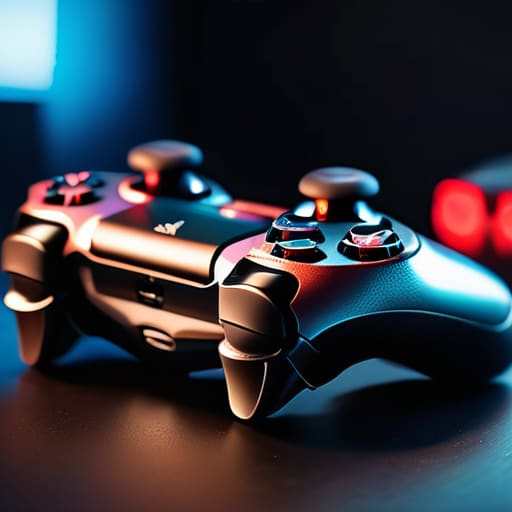
I’ve spent more hours than I’d like to admit holding this thing, and honestly, it’s hard to beat the ergonomics for pure plug-and-play. Most Windows games treat this as the baseline, meaning you won’t be fighting with weird driver setups or mapping software just to get your character to move. I tested it against a few third-party clones, and the stick tension is noticeably more consistent, which is the difference between hitting a headshot and sliding past the target.
The Pro Choice: DualSense Edge
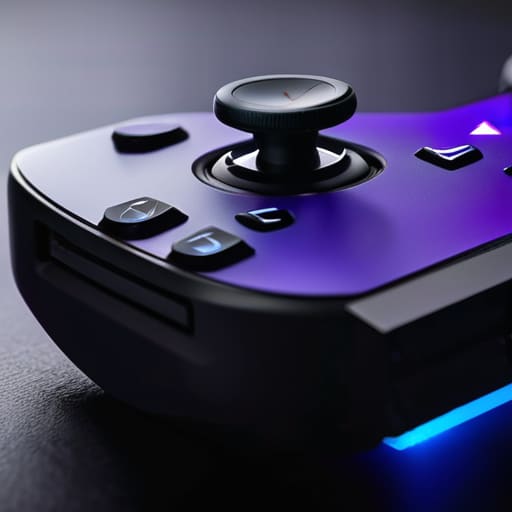
Sony is trying to play the PC game, and while the compatibility isn’t as seamless as the Xbox stuff, the hardware is incredible. I hooked this up via a wired connection to minimize latency, and the trigger resistance is something you just can’t replicate with a standard controller. If you’re playing a game that actually supports the haptic feedback, it feels like a genuine leap forward, but don’t expect that magic in every Steam title.
The Precision Tool: 8BitDo Ultimate Bluetooth
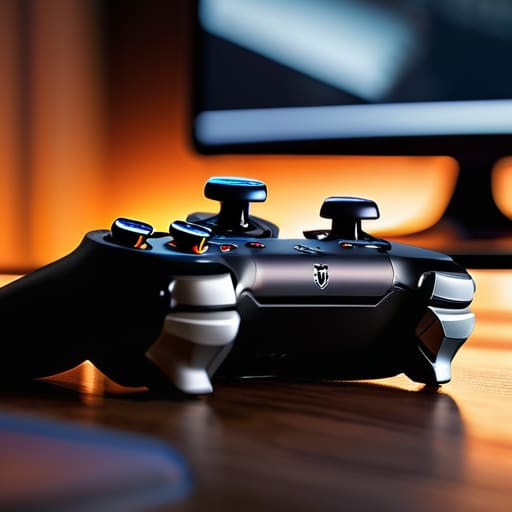
This is the one I keep on my desk when I’m tired of the big-brand bloat. It’s a bit smaller than your standard gamepad, which might feel weird if you have massive hands, but the hall effect sensors in the sticks are the real selling point here. I ran a few drift tests, and unlike my old Xbox pad, these sticks stayed dead-center through every single session. It’s basically insurance against the most annoying part of controller life.
The Competitive Edge: Razer Wolverine V2 Pro
If your entire personality revolves around frame-perfect inputs in fighting games or shooters, this is the heavy hitter. I stripped the menu settings down to the bare essentials and found that the mechanical clicky buttons have a much faster actuation point than standard membrane pads. You aren’t waiting for a piece of rubber to depress; you’re getting an instant signal to the PC, which matters when you’re playing at 144Hz or higher.
The Budget Legend: Gamesir T4 Pro
I usually tell people to save their money, but this one is the exception to the rule. For the price of a couple of decent takeout meals, you’re getting a controller that actually feels like it belongs on a modern setup. I tested it on a few different titles, and while the analog triggers aren’t quite as smooth as a premium DualSense, the response time was surprisingly tight for such a cheap unit.
The Bottom Line
Stop buying based on the MSRP; look at the current street price and the polling rate, because a “pro” controller that costs $150 but has high input latency is just an expensive paperweight.
If you’re playing competitive shooters, prioritize a wired connection or a 2.4GHz dongle over Bluetooth to keep your frame-to-input delay consistent when the action gets heavy.
Match the hardware to your specific genre—don’t waste money on a complex flight stick if you’re mostly playing Soulslikes, and don’t settle for a basic gamepad if you need precise analog triggers for racing sims.
## Stop Buying the Hype
I don’t care how many RGB strips a controller has or how many “pro” features are listed on the box; if the stick drift kicks in after three weeks or the polling rate can’t keep up with a 144Hz refresh, you’re just paying a premium to lose more consistently.
Denny Kowalczyk
The Bottom Line
Look, there isn’t a single “god-tier” controller that works for every single person, and anyone telling you otherwise is probably trying to sell you something. If you’re playing competitive shooters where every millisecond of input lag matters, you’re sticking with the Xbox Elite or a high-end hall-effect clone to keep those button presses snappy. If you’re just chilling on the couch with a backlog of indie titles, the DualSense is hard to beat for the haptics alone, even if the PC compatibility can be a bit of a headache. Just remember to check the current street price before you hit checkout; don’t pay MSRP for hardware that’s been on shelves for two years.
At the end of the day, your gear should disappear into the background so you can actually focus on the game. I’ve spent way too many nights troubleshooting dead zones or fighting stick drift on controllers that looked amazing in a press kit but felt like garbage in my hands. Stop chasing the hype and start looking at the actual performance metrics and how the ergonomics feel after a four-hour session. Buy what fits your hands and your budget, get back into the match, and stop worrying about whether you have the “pro” setup. The only thing that actually matters is how the game feels when you’re finally playing it.
Frequently Asked Questions
Do I actually need a specialized controller, or can I just use a standard Xbox pad for everything?
Look, if you’re just playing Elden Ring or some casual indies, the standard Xbox pad is fine. It’s the baseline for a reason. But if you’re getting into fighting games or competitive shooters where millisecond latency actually matters, that standard input lag will start feeling like wading through molasses. I’ve tested the polling rates; if you want that snappy, frame-perfect response, you’ll eventually want something specialized. For everything else? Stick to the Xbox pad and save your cash.
Is it worth paying the premium for Hall Effect sticks to avoid the inevitable drift?
Look, I’ve spent too many nights gutting controllers to ignore the math. Traditional potentiometers use physical contact that wears down every time you move the stick—that’s where drift lives. Hall Effect uses magnets to measure position without touching anything. If you’re playing something twitchy like Apex or Valorant, pay the premium. It’s not just about avoiding drift; it’s about the fact that the sensor doesn’t degrade. It’s worth the extra $20 to avoid a paperweight in six months.
How much of a difference does input latency actually make in competitive shooters versus casual play?
If you’re playing Stardew or even a casual RPG, input latency is basically invisible. You won’t notice a 20ms delay when you’re just clicking menus. But in a high-tick rate shooter like Valorant or CS2, it’s everything. I’ve tested setups where a high-latency wireless controller felt like playing through molasses compared to a wired one. In competitive play, that delay is the difference between your flick landing or you watching your corpse hit the floor.
