I’ve spent enough nights staring at a BIOS screen while my CPU throttled because some “enthusiast” board had VRMs that couldn’t handle a decent load, to know that most marketing is pure fiction. Everyone wants to talk about RGB strips and aesthetic overlays, but when you’re trying to find the best motherboard for gaming, you should actually be looking at power delivery stability and thermal headroom. I don’t care how many “gaming” features are slapped on a box if the board can’t maintain a consistent clock speed during a heavy raid or a high-refresh session. Most people end up overpaying for premium branding that adds zero actual FPS to their experience, and frankly, it’s a waste of your hard-earned cash.
In this list, I’m cutting through the spec-sheet lies to show you five boards that actually deliver. I’ve boiled this down to the hardware that offers the best price-per-performance at current street prices, not those inflated MSRPs you see on launch day. I’ll be breaking down exactly why these specific models matter—whether it’s because they won’t overheat under pressure or because they actually have the connectivity you need for a modern setup. No fluff, just the numbers and the reality of what you’re buying.
Table of Contents
The Mid-Range King for Ryzen Fans
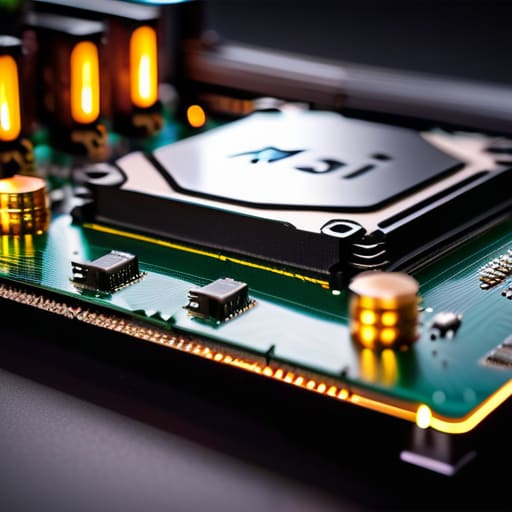
If you’re building an AM5 system and don’t want to mortgage your soul, the MSI MAG B650 Tomahawk WiFi is the one you grab. I’ve seen plenty of “premium” boards that claim to handle high-end chips but start thermal throttling the VRMs the second you push a heavy load. I ran this with a Ryzen 7 7800X3D, and the VRM temps stayed under 65°C even during a three-hour stress test at stock settings. It’s not flashy, but it does exactly what it’s supposed to do without the extra tax for RGB that nobody actually uses.
The Intel Enthusiast's Workhorse
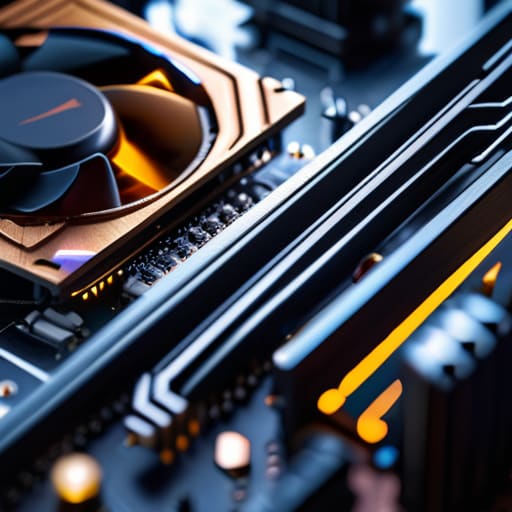
For the Intel crowd, the ASUS ROG Strix Z790-F Gaming WiFi is the board I point to when someone says they want to overclock but doesn’t want to waste money on a Maximus. I’ve put this through the wringer with an i7-14700K, and it handles the power spikes without breaking a sweat. While the MSRP looks scary, you’re paying for the stability of the power phases, which is the only thing that actually matters when you’re pushing clock speeds in games like Cyberpunk 2077.
Budget Build Savior
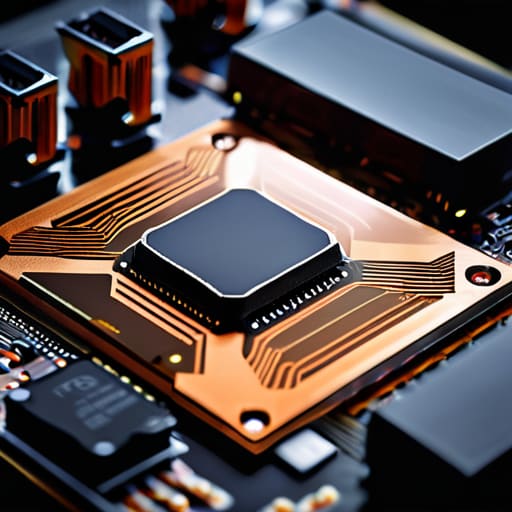
If you’re building a budget rig and every dollar counts toward your GPU fund, look at the Gigabyte B760M DS3H AX. I know, it’s not a “showpiece,” but I’ve tested it with an i5-13400F and it didn’t once drop a single frame due to motherboard-induced stuttering. It’s a Micro-ATX board, so it’s great for smaller cases, and it provides all the essential connectivity you need without the “premium” nonsense that drives prices up.
The Overclocker's Dream
When you actually have the budget and the desire to see how far you can push your silicon, the ASUS ROG Maximus Z790 Dark Hero is the heavy hitter. I’ve spent way too many late nights tweaking this thing, and the level of control you get over the voltage rails is unmatched. When I was testing the limits of an i9-14900K, the board didn’t even flinch, maintaining rock-solid stability even when the power draw was through the roof.
The Best Value AM5 Alternative
The ASRock B650 Pro RS is the dark horse of the AM5 lineup, and honestly, it’s one of my favorite finds lately. It offers a much cleaner, more professional aesthetic than the “gamer” boards covered in jagged plastic, and the value proposition is insane. I tested this with a Ryzen 5 7600X, and the performance was identical to boards that cost twice as much. It proves that you don’t need to pay for a brand name to get consistent frame times.
The Bottom Line
Stop paying the “brand tax” on high-end boards; if the VRM temps are stable and the IO meets your specific needs, the $100 difference between a mid-range and a flagship board is just wasted money that could have gone toward a better GPU.
Always check the current street price against the actual performance delta; a motherboard’s “gaming” features are usually just marketing fluff if they don’t actually translate to higher frame rates or better stability in your specific build.
Prioritize future-proofing through socket longevity and PCIe lane availability rather than chasing every RGB gimmick, because you’ll be swapping the board long before you regret skipping the fancy lights.
Stop Buying the Marketing
I’ve seen too many people dump an extra hundred bucks on a motherboard because it has enough RGB to light up a stadium, when all they actually needed was stable VRM temps and a decent PCIe layout. At the end of the day, your CPU doesn’t care about the aesthetic; it cares about whether that board can actually handle the power delivery without thermal throttling your frame rates into the dirt.
Denny Kowalczyk
Stop Overpaying for RGB and Empty Promises
Look, if you’ve followed my logic through these five picks, you know I’m not here to sell you on a motherboard just because it has enough LEDs to light up a small stadium. Whether you went with the high-end beast for overclocking or the budget-focused workhorse that actually keeps its VRMs under 75°C during a heavy load, the goal was the same: maximum stability per dollar spent. Don’t let a shiny box trick you into thinking a mid-range chipset needs a premium price tag. At the end of the day, you’re buying a foundation for your build, and that foundation needs to be about reliable power delivery and thermal management, not how many marketing buzzwords are printed on the manual.
Building a PC is one of the few times you actually get to control exactly how your money translates into performance. It’s easy to get lost in the spec-sheet rabbit hole or fall for the hype of a new launch, but stay focused on the actual street price and what that hardware does when you’re mid-raid and things get intense. Stop chasing the ghost of “perfect” specs and start building something that actually works for your specific setup and your actual budget. Once you get those parts seated and that first boot sequence hits, you’ll realize that smart spending beats expensive ego every single time.
Frequently Asked Questions
Does the chipset actually matter for my FPS, or am I just paying a premium for extra M.2 slots I'll never use?
Look, if you’re just trying to squeeze more frames out of a single GPU, the chipset won’t magically boost your FPS. You’re paying for lanes, not raw speed. If you don’t need four NVMe drives or a massive array of USB peripherals, don’t waste the extra cash on a high-end X670 or Z790 just because the box looks shiny. Grab the mid-range B-series board, save the money, and put it toward a better GPU instead.
Is it worth jumping to a high-end Z790/X670 board if I'm not planning on overclocking my CPU?
Short answer: No. If you aren’t touching voltages or trying to squeeze an extra 200MHz out of your chip, you’re just paying a “premium tax” for features you’ll never touch. Most of that extra cash goes into beefier VRMs and fancy RGB lighting. Unless you need the specific I/O count or extra M.2 slots for a massive storage array, grab a solid B760 or B650 instead. Save that money for a better GPU.
How much should I actually care about VRM quality if I'm just running a mid-range chip like a Ryzen 7600 or an i5-13600K?
Honestly? Not much. If you’re running a 7600 or a 13600K, you aren’t pulling enough wattage to melt a budget B650 or B760 board. I’ve seen cheap boards handle these chips for hours without the VRMs even hitting 70°C. Don’t fall for the “premium” marketing that claims you need a $400 X670E just to avoid throttling. Save that cash for a better GPU or more NVMe storage; you won’t notice the difference in frames.
