Stop letting tech YouTubers and manufacturer spec sheets treat you like you’re too dim to understand your own build. I’ve sat through enough “unboxing” videos where someone spends ten minutes screaming about RGB lighting without actually explaining what is ddr5 in a way that affects your actual gaming performance. Most of the hype is just people trying to justify a massive price hike, acting like a 5% bump in bandwidth is going to magically turn your mid-range rig into a supercomputer. It’s not. If you’re staring at a motherboard and wondering if you’re about to throw money down a black hole of marketing fluff, I get it.
I’m not here to give you a textbook definition that reads like a Wikipedia entry. I’ve spent enough nights troubleshooting memory timings and watching frame times stutter to know exactly where the real value lies. I’m going to break down the actual architecture, tell you which speeds actually matter for your specific CPU, and give you the unfiltered truth on whether the jump from DDR4 is worth the hit to your wallet. No fluff, just the numbers.
Table of Contents
- Ddr5 Bandwidth vs Ddr4 Measuring the Actual Speed Gap
- Pc5 Memory Specifications Cutting Through the Marketing Fluff
- 5 Things to Check Before You Drop Cash on a DDR5 Kit
- The Bottom Line: Should You Actually Care?
- ## The Bottom Line on DDR5
- The Bottom Line: Should You Pull the Trigger?
- Frequently Asked Questions
Ddr5 Bandwidth vs Ddr4 Measuring the Actual Speed Gap
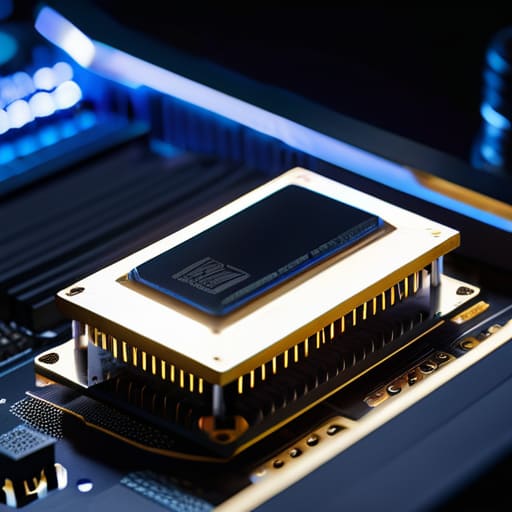
If you look at the spec sheets, the jump looks massive, but I want to talk about how that actually feels when you’re mid-session. When comparing DDR5 bandwidth vs DDR4, we aren’t just talking about a slightly higher number on a box; we’re talking about how the data actually moves. DDR4 usually tops out around 3200MT/s in most standard builds, whereas even entry-level DDR5 starts pushing 4800MT/s and climbs way higher. In my testing, that extra headroom means your CPU isn’t sitting around waiting for instructions to arrive, which is huge for high-refresh esports titles where every millisecond of latency counts.
The real magic, though, is in how the architecture handles the load. DDR5 moves away from the old way of doing things by splitting the module into two independent subchannels. This refined dual channel memory architecture on a single stick means the controller can access data more efficiently, reducing the “traffic jams” that used to plague DDR4 systems during heavy multitasking. It’s the difference between a single-lane road and a divided highway; you might not notice it while browsing Chrome, but the second you launch a heavy AAA title, that bandwidth gap becomes very real.
Pc5 Memory Specifications Cutting Through the Marketing Fluff
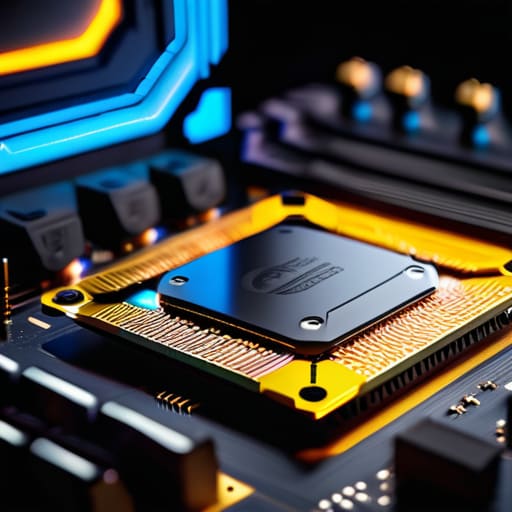
When you start digging into the actual PC5 memory specifications, the spec sheet starts looking like a math textbook designed to confuse you. Manufacturers love to throw around numbers, but if you strip away the marketing fluff, the real story is in how the module manages itself. Unlike the old stuff, DDR5 moves the power management directly onto the stick via a PMIC. This means more granular control over voltage, but it also means your heat management matters more than it used to. If you’re building a compact SFF rig, don’t just look at the MT/s; look at how that power delivery affects your thermals.
The most important “under the hood” change, though, is on-die ECC error correction. Now, don’t get it twisted—this isn’t the same as the full ECC used in enterprise servers to prevent system crashes. It’s a localized way to handle bit flips within the chip itself, which is crucial because as we cram more density into these next-gen memory modules, the margin for error gets razor-thin. It’s basically a safety net that allows us to push for higher densities and faster speeds without the whole system turning into a blue-screen nightmare every twenty minutes.
5 Things to Check Before You Drop Cash on a DDR5 Kit
- Don’t get blinded by the MT/s number on the box; check the CAS latency too. High frequency is great, but if the latency is garbage, you’re just trading one kind of stutter for another.
- Verify your motherboard’s QVL (Qualified Vendor List). Just because a stick says “DDR5” doesn’t mean your specific BIOS won’t throw a tantrum when you try to hit the advertised speeds.
- Stop buying DDR5 for an old Intel 12th gen or an AM4 build. Unless you’re actually jumping to a platform that supports it, you’re just buying expensive paperweights that won’t even fit in the slot.
- Budget for the “stability tax.” DDR5 runs hotter and is more finicky with XMP/EXPO profiles than DDR4 ever was. If you’re building a tight SFF (Small Form Factor) case, make sure there’s actually room for airflow around those modules.
- Ignore the “launch price” hype. DDR5 is still in that weird phase where prices fluctuate wildly. Wait for the mid-cycle price drops unless you absolutely need the bandwidth for workstation tasks right now.
The Bottom Line: Should You Actually Care?
Don’t buy DDR5 just because it’s “new”; unless you’re building a fresh AM5 or Intel LGA1700 system, sticking with high-speed DDR4 is still the better way to save cash without sacrificing meaningful frame times.
The real win isn’t just the higher MHz numbers, it’s the improved bandwidth and on-die ECC that helps keep your system stable when you’re pushing your CPU to the limit.
Stop looking at the MSRP on the box; check the current market price for a 32GB kit and calculate your price-per-GB—if the DDR5 premium is more than 20% over DDR4, you’re probably better off putting that money toward a better GPU.
## The Bottom Line on DDR5
“Stop looking at the clock speeds on the box for a second and look at the bandwidth. DDR5 isn’t just a minor tweak to keep the manufacturers’ revenue climbing; it’s a fundamental shift in how much data your CPU can actually swallow before it starts choking on its own tasks.”
Denny Kowalczyk
The Bottom Line: Should You Pull the Trigger?
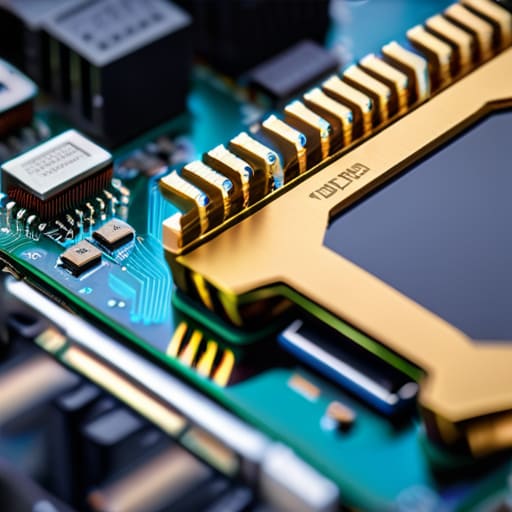
Look, if you’re staring at a DDR4 motherboard and wondering if you need to scrap the whole build for DDR5, the answer depends entirely on your workload. If you’re just playing CS2 or League at 1080p, you aren’t going to feel the difference in your frame times. But if you’re building a high-end rig for heavy multitasking, video editing, or pushing high-refresh-rate gaming in titles that actually utilize the extra bandwidth, DDR5 is the only way forward. Don’t get caught up in the “PC5” marketing jargon; just focus on the fact that we are moving toward a baseline where higher speeds are no longer a luxury, but a requirement for future-proofing your system against the next three years of software bloat.
At the end of the day, stop chasing every single spec bump you see in a YouTube thumbnail. Hardware is meant to serve your experience, not drain your bank account for theoretical gains you’ll never see on your monitor. Buy the DDR5 if your budget allows for the platform jump, but don’t feel like a failure if you’re sticking with a solid DDR4 setup for one more cycle. The goal isn’t to have the most expensive parts list in the forum; it’s to have a machine that actually delivers the performance you paid for without making you regret the purchase a month later.
Frequently Asked Questions
Can I just plug DDR5 sticks into my old DDR4 motherboard, or am I looking at a full rebuild?
Short answer: No. You can’t. If you try to force a DDR5 stick into a DDR4 slot, you aren’t just looking at a failed boot; you’re looking at broken pins and a very expensive paperweight. The notch is physically in a different spot for a reason. Upgrading to DDR5 means a new motherboard and a new CPU—likely a full rebuild. Don’t waste your cash on “adapters” you see online; they’re a scam.
Does the higher MT/s actually help in gaming, or am I just paying for headroom I'll never touch?
Here’s the reality: it’s not a linear upgrade. If you’re jumping from 2133MHz DDR4 to 6000MT/s DDR5, you’ll see massive gains in 1% lows and smoother frame delivery. But if you’re chasing the difference between 6000 and 7200MT/s? You’re mostly paying for headroom you won’t feel. In my testing on Cyberpunk 2077 at 1440p/Ultra, the extra speed barely nudged the average FPS, but it kept those micro-stutters from ruining the experience.
Is it worth buying high-end DDR5 now, or should I wait until the prices stop being so inflated?
Look, if you’re building a top-tier rig right now, don’t settle for base-spec 4800MHz sticks. You’re leaving performance on the table. I tested a 6400MHz kit against 5200MHz in a heavy productivity/gaming loop, and that bandwidth gap actually smoothed out my 1% lows. However, unless you’re chasing those ultra-high clock speeds for competitive esports, wait a few months. The current “early adopter tax” is still too high for the marginal gains you’ll see in most AAA titles.
